Team collaboration & project management
Plan the work.Talk through it.Ship it.
capms puts Kanban boards, team chat, calendars, notifications, and org analytics in one workspace — so projects move forward without the busywork.
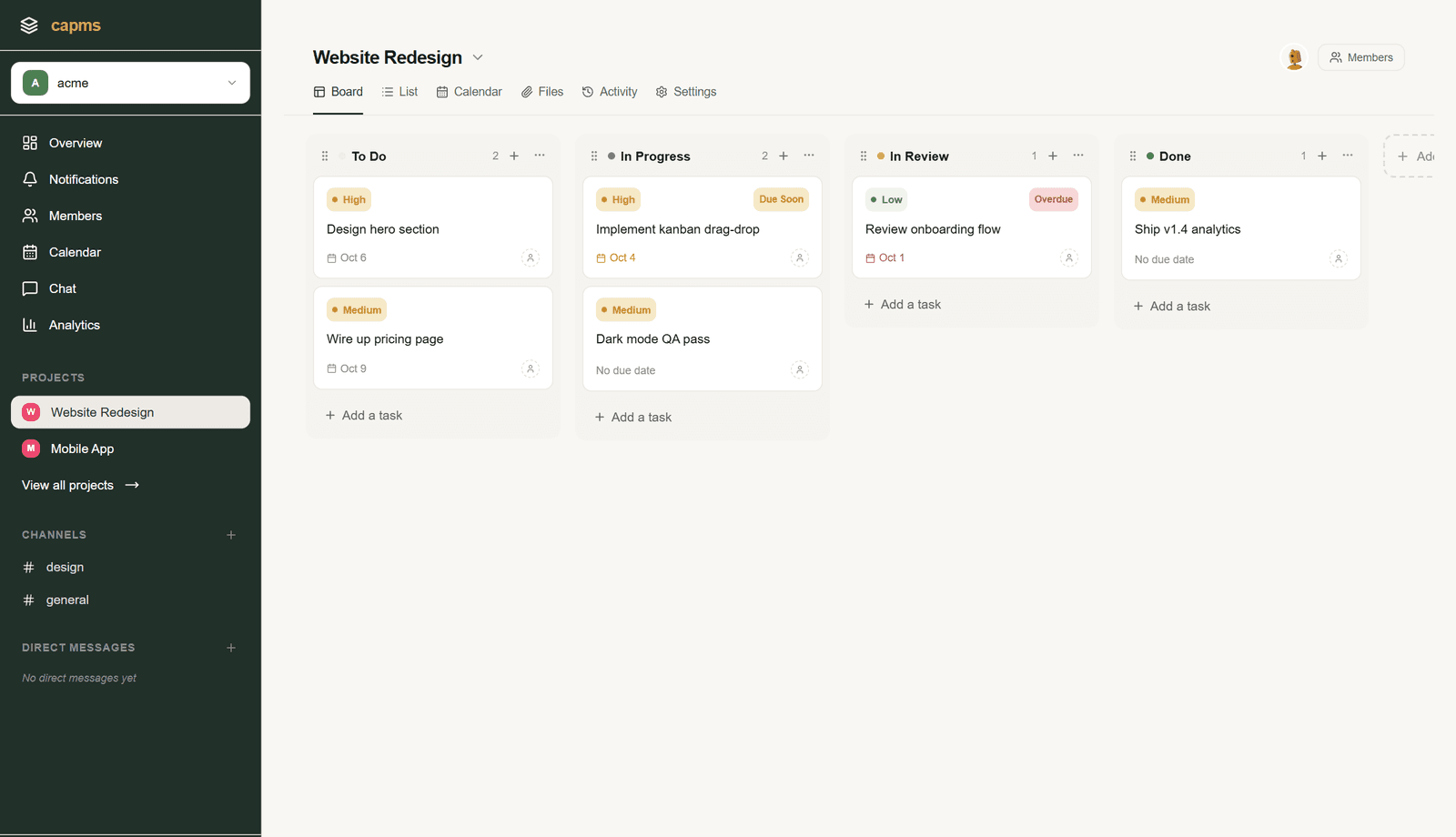
- Kanban boards
- Channels & DMs
- Personal calendar
- Notifications
- Org analytics
- Roles & invites
- Admin console
Inside capms
One workspace, four daily habits.
Switch between the board, the conversation, the calendar, and the numbers — all in the same place you already signed in to.
Drag-and-drop Kanban boards with priorities, due dates, and assignees.
What you get
Built from the actual workflow your team already has.
A board that runs on the week, not on meetings
Every project is a Kanban board your team can scan in seconds. Drag tasks across To Do, In Progress, In Review, and Done; sort by priority, due date, or assignee; and open any card for subtasks, comments, and files.
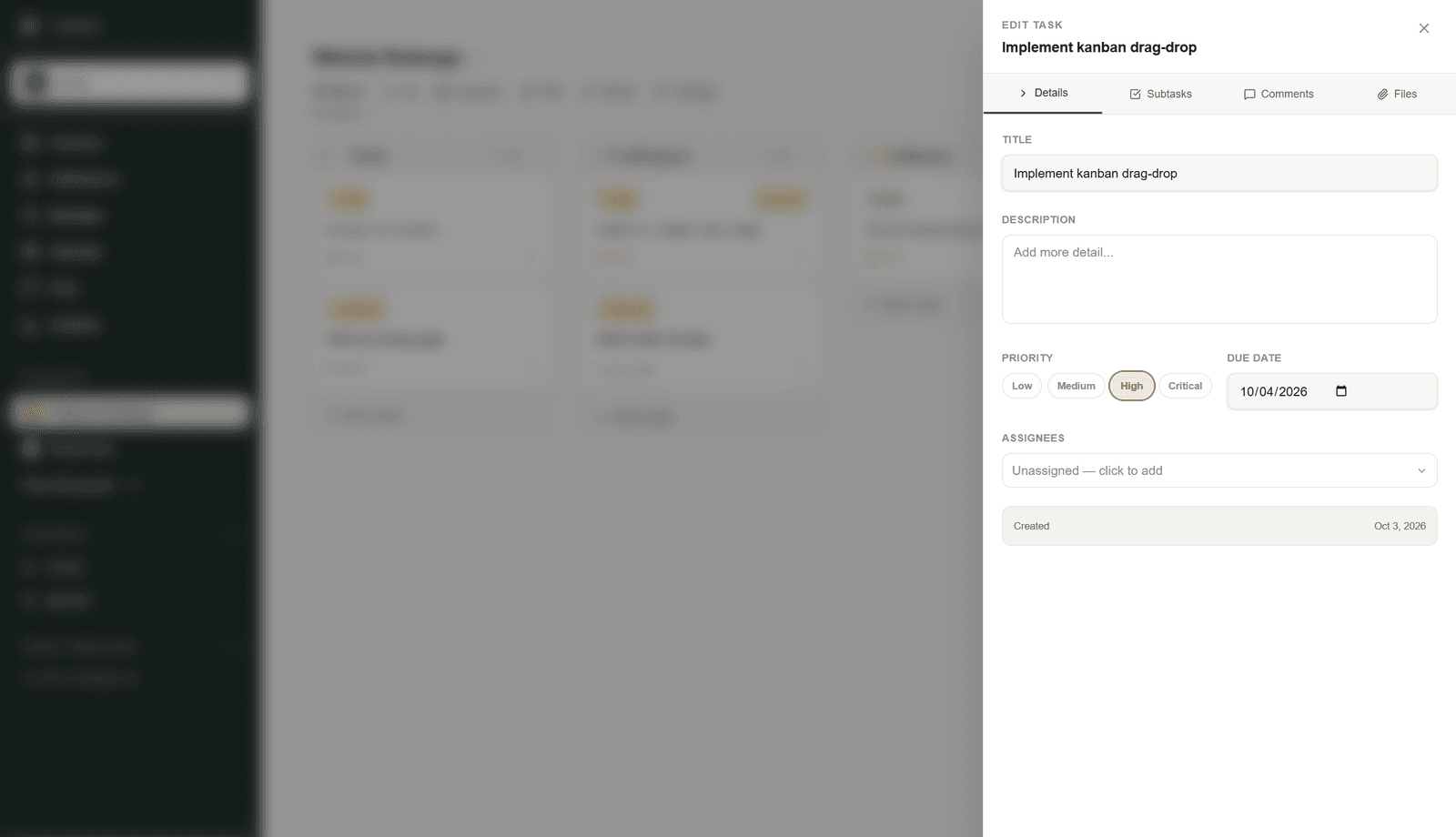
Conversations live next to the work
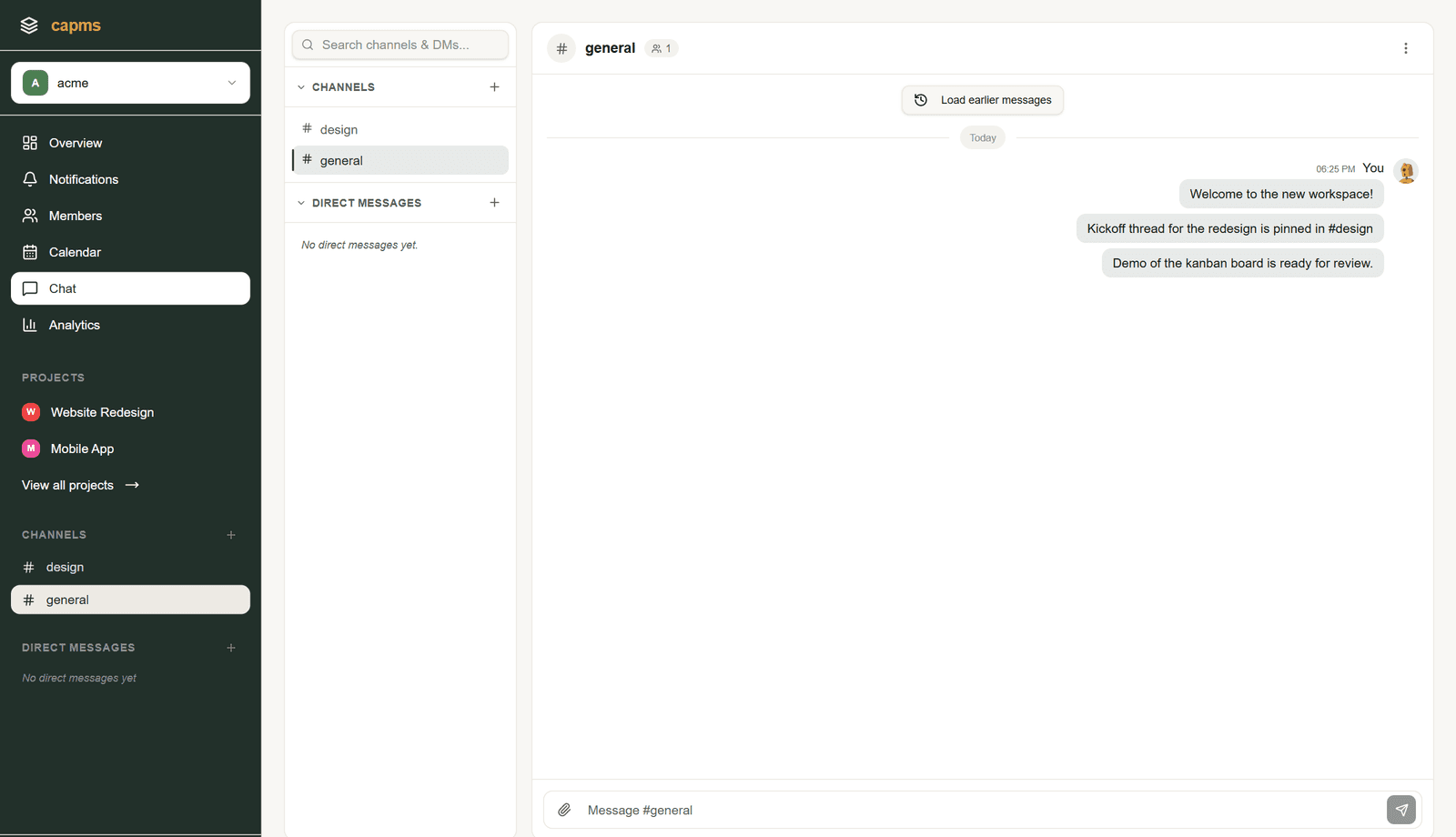
Channels and direct messages are built in, so updates happen beside the board instead of across three other tools. Reply in threads, react with an emoji, and get notified the moment something needs you.
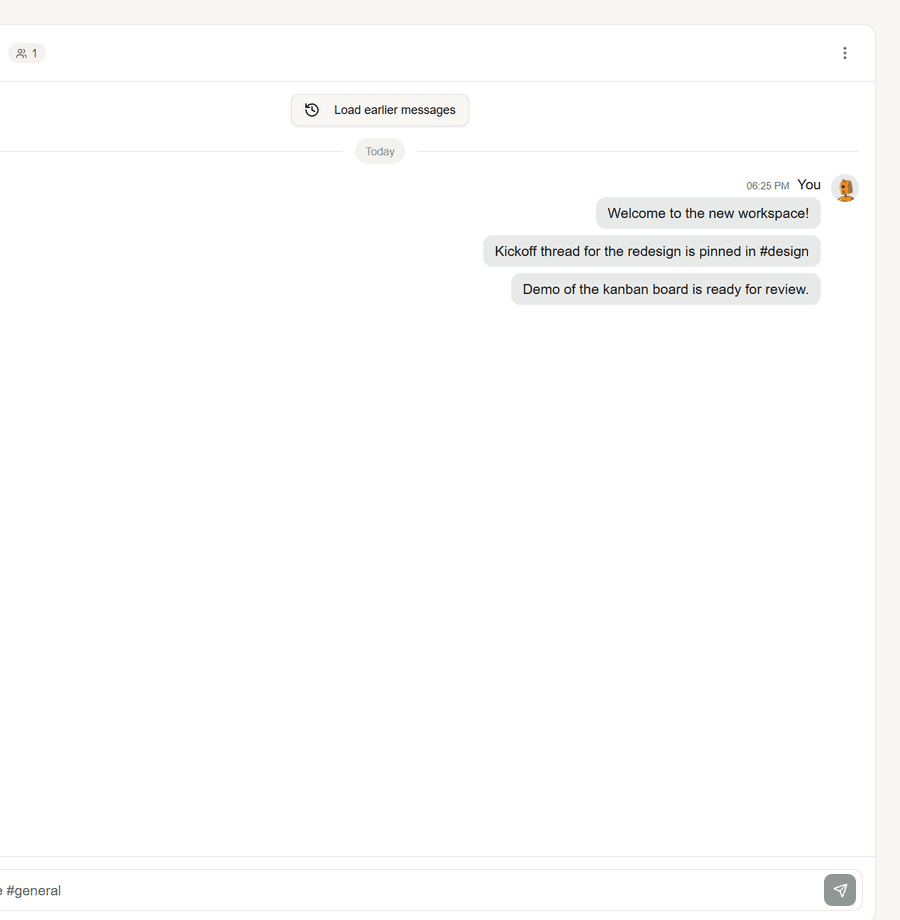
Know what is due before it is late
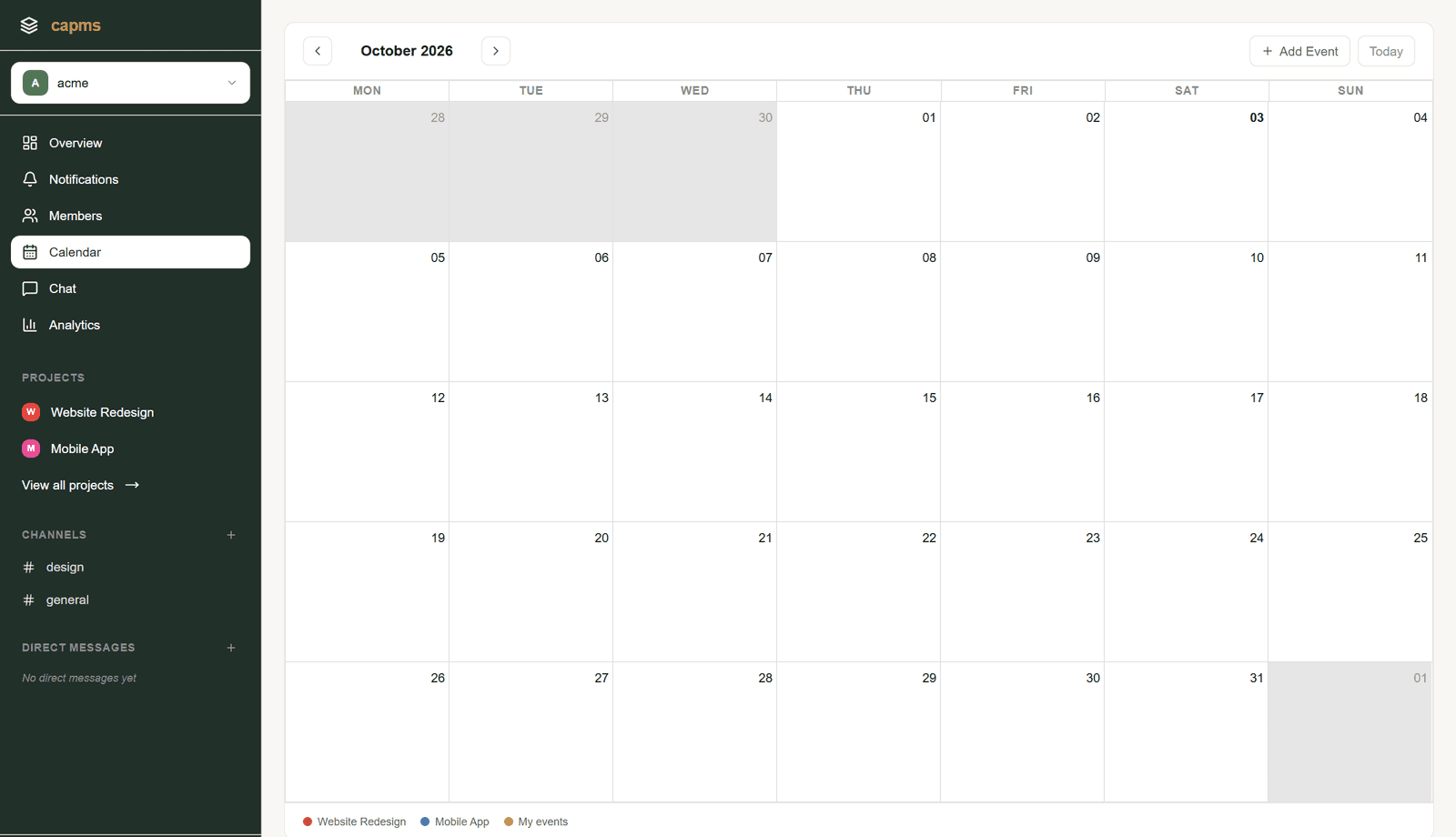
A personal calendar per user, a notification feed per account, and background reminders for upcoming and overdue tasks. Your Monday standup starts with a list, not a hunt.
Signals, not status meetings
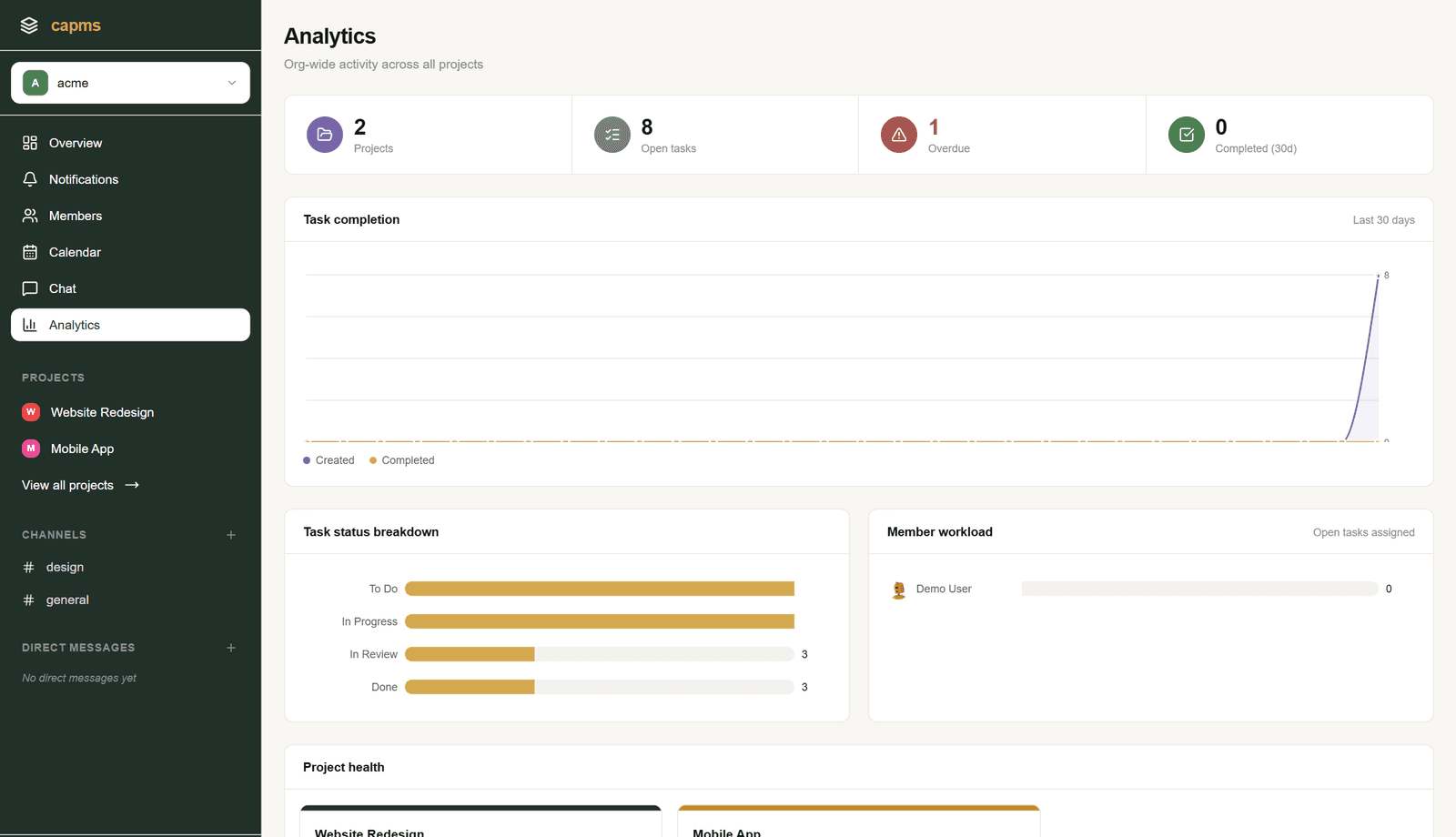
Org-wide analytics surface task completion over time, status distribution, who carries the most open work, and per-project health — so you find problems before the retro does.
How it works
From empty workspace to shipped week in four steps.
- 1
Create your workspace
One organization with projects, members, and settings scoped together.
- 2
Invite your team
Owners, org admins, project managers, and members — each with the access they need.
- 3
Plan, chat, execute
Run the work on the board and keep the conversation in the same tool.
- 4
Review the numbers
Close the loop with analytics on progress, load, and health.